> ## Documentation Index
> Fetch the complete documentation index at: https://docs.sequencehq.com/llms.txt
> Use this file to discover all available pages before exploring further.
# Overview
> Sync information for your customers with closed-won deals from your CRM.
Our seamless Customer Relationship Manager (CRM) connectors allow you to connect Sequence with your customer software, so your financial operators can keep on top of closed-won deals that need billing. This guide is a quick overview of the benefits and recommended usage of our CRM connectors.
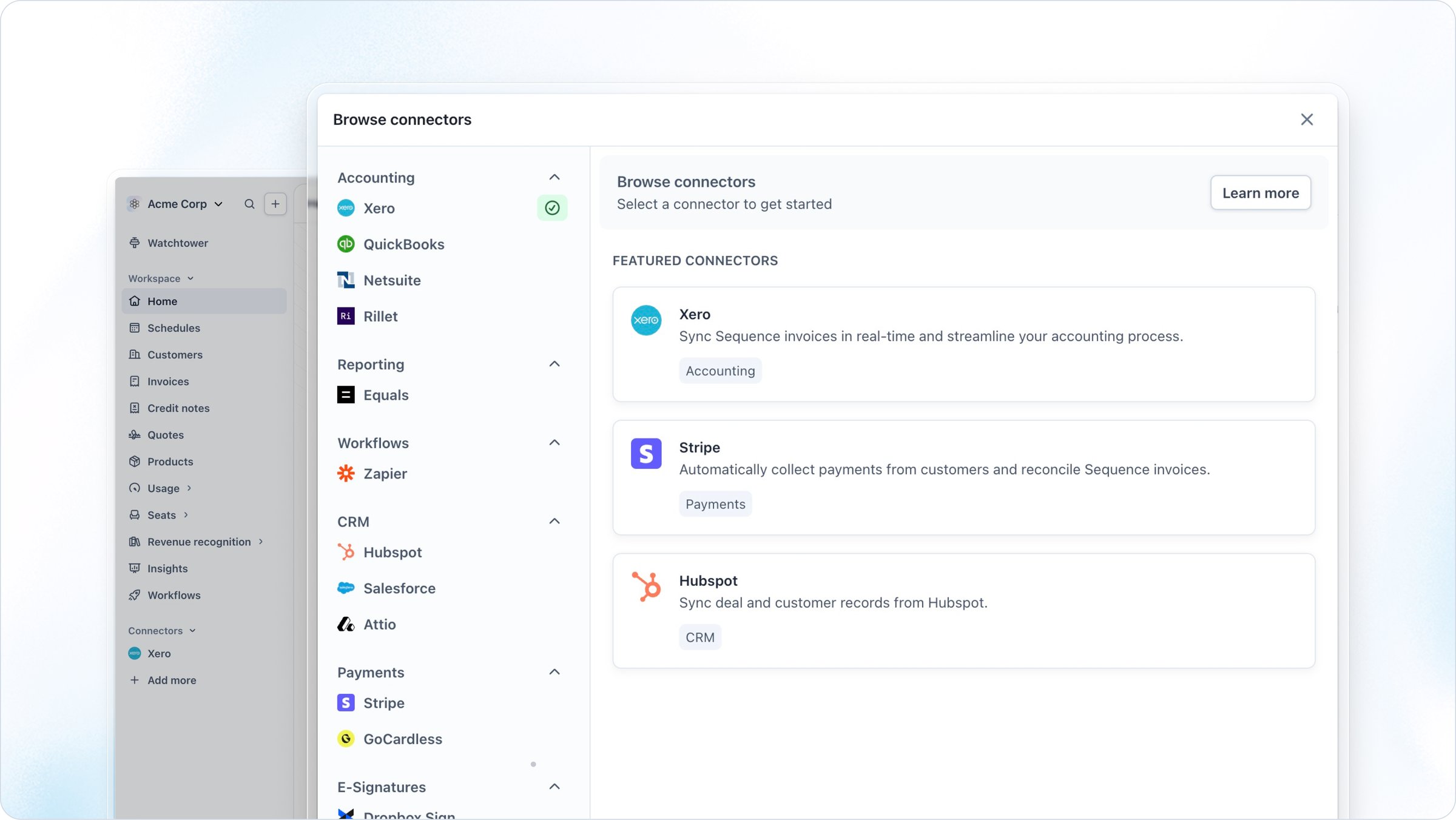
Sequence integrates with the following CRM systems:
* HubSpot
* Salesforce (coming soon)
Head to the **Connectors** section in the dashboard to connect your CRM suite. Follow the steps to connect your account.
 ## Benefits of the CRM Connector
By integrating Sequence with your CRM, you can:
* Bulk import customer records into Sequence, so you can pull your existing customers from your CRM.
* Link customers between Sequence and your CRM, so you can seamlessly find additional information on your customers.
* Keep on top of deals that are closed-won in your CRM, ensuring billing is always set up for the right customers and deals.
This connector ensures your financial operators have visibility over which customers have closed-won deals, allowing Sequence to fit seamlessly into your existing workflows. Your sales operators can continue to work in their system of choice whilst your finance team can effectively get on with seamless billing, keeping everyone in sync across your company's operations.
## Recommended steps
To gain the most value from the CRM connector, follow the below steps:
1. Use our customer importer when setting up your Sequence account, to bulk import your customers from your CRM.
2. Keep your CRM connector connected so you can make use of our automated flows whenever a new deal closes in HubSpot.
3. Use Sequence to set up and run billing for your imported and linked customers.
4. Finalize and send invoices to customers using Sequence.
## Benefits of the CRM Connector
By integrating Sequence with your CRM, you can:
* Bulk import customer records into Sequence, so you can pull your existing customers from your CRM.
* Link customers between Sequence and your CRM, so you can seamlessly find additional information on your customers.
* Keep on top of deals that are closed-won in your CRM, ensuring billing is always set up for the right customers and deals.
This connector ensures your financial operators have visibility over which customers have closed-won deals, allowing Sequence to fit seamlessly into your existing workflows. Your sales operators can continue to work in their system of choice whilst your finance team can effectively get on with seamless billing, keeping everyone in sync across your company's operations.
## Recommended steps
To gain the most value from the CRM connector, follow the below steps:
1. Use our customer importer when setting up your Sequence account, to bulk import your customers from your CRM.
2. Keep your CRM connector connected so you can make use of our automated flows whenever a new deal closes in HubSpot.
3. Use Sequence to set up and run billing for your imported and linked customers.
4. Finalize and send invoices to customers using Sequence.