> ## Documentation Index
> Fetch the complete documentation index at: https://docs.sequencehq.com/llms.txt
> Use this file to discover all available pages before exploring further.
# Insights dashboard
> Track of all your billing and usage metrics in one place
The insights tab of the Sequence dashboard contains a series of charts displaying key billing and
usage metrics. This allows you to quickly spot trends and anomalies, identify customers that need
action, and monitor the overall health of your billing.
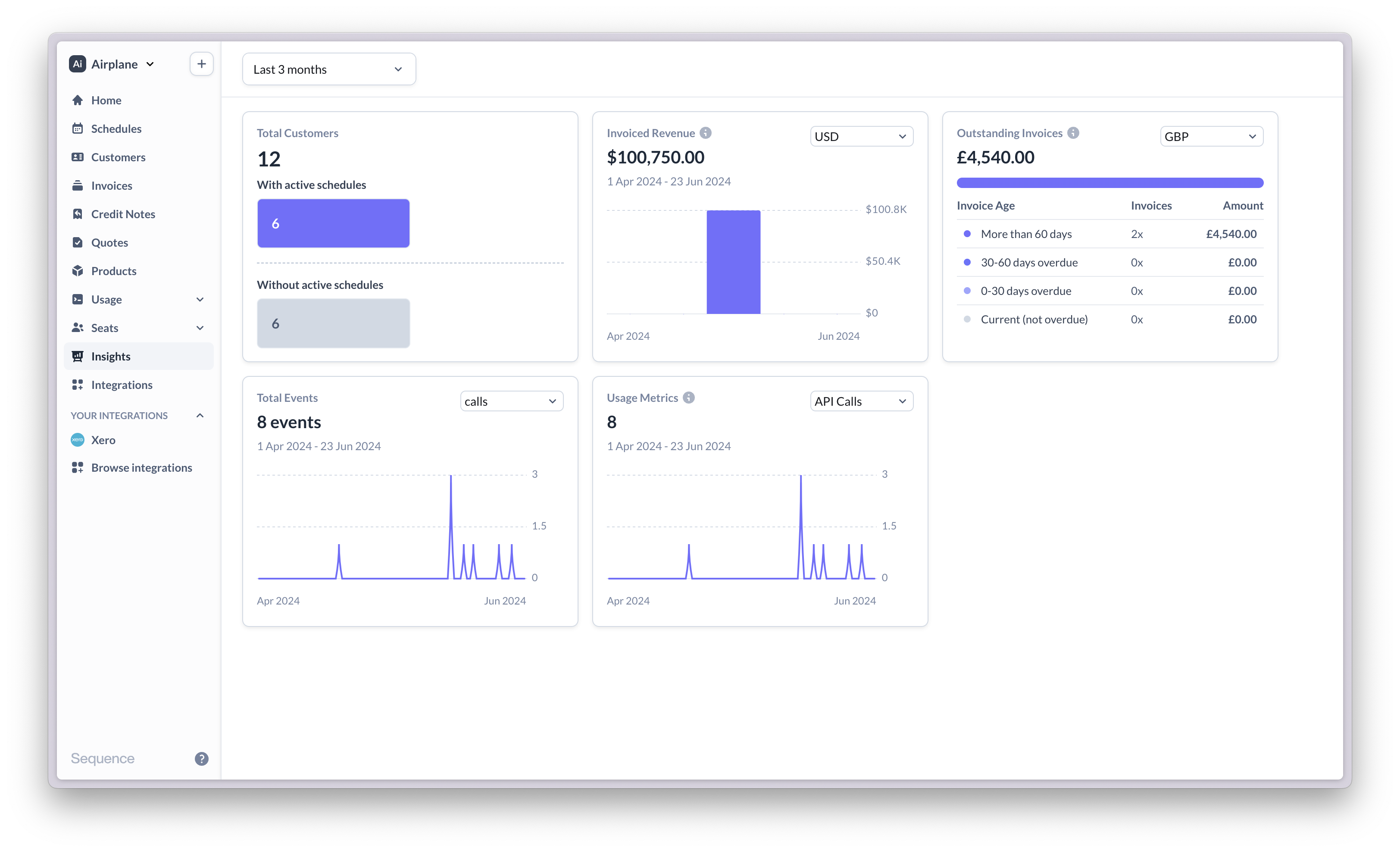 Select the time period to globally apply to all charts from the drop-down menu at the top.
### Charts
Some charts are segmented by a dimension, for example the invoice currency.
Use the drop-down menu on the top-right of the chart to select a specific segment.
Number of customers with/without an active billing schedule. Hover over customers
without a billing schedule to see a breakdown between customers that never had
an active billing schedule and ones that were billed in the past but are no longer billed.
Total gross invoiced amount across all customers, by month. Segmented by currency.
Breakdown of outstanding invoices by aging bucket. Click on a row to get a list of invoices
in the bucket. Segmented by currency.
Total number of usage events across all customers, by day. Segmented by event type.
Total usage metric value across all customers, by day. Segmented by usage metric.
Select the time period to globally apply to all charts from the drop-down menu at the top.
### Charts
Some charts are segmented by a dimension, for example the invoice currency.
Use the drop-down menu on the top-right of the chart to select a specific segment.
Number of customers with/without an active billing schedule. Hover over customers
without a billing schedule to see a breakdown between customers that never had
an active billing schedule and ones that were billed in the past but are no longer billed.
Total gross invoiced amount across all customers, by month. Segmented by currency.
Breakdown of outstanding invoices by aging bucket. Click on a row to get a list of invoices
in the bucket. Segmented by currency.
Total number of usage events across all customers, by day. Segmented by event type.
Total usage metric value across all customers, by day. Segmented by usage metric.