

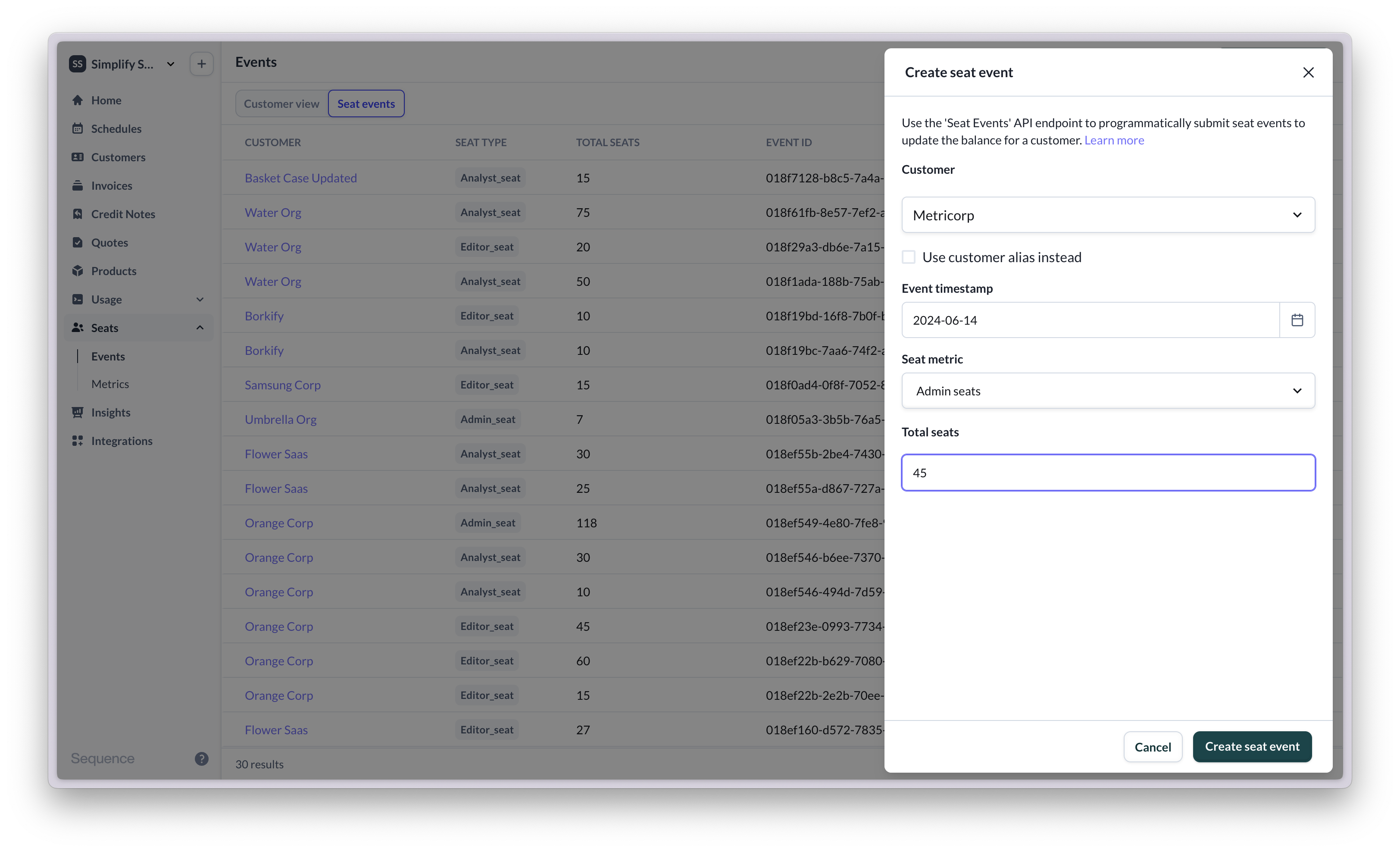
How Sequence uses seat events for billing
Each seat event reports the total seat balance for a customer and seat metric at a giveneventTimestamp. Sequence stores every event you submit. When calculating charges, it builds a daily seat timeline from those events.
Overwriting a seat event
To correct or replace a seat event, resubmit it with the samecustomerEventId. The new submission supersedes the previous event with that ID for billing purposes.
Sequence does not support deleting seat events via the API. Use the same
customerEventId to overwrite an event you no longer want billed.Multiple events on the same day
Sequence does not prorate seat changes within a single calendar day. If you submit two or more seat events for the same customer, seat metric, and calendar day with differentcustomerEventId values, billing uses the highest seat count reported that day.
This means a temporary peak during the day is what billing sees for that day, even if another same-day event (with a different customerEventId) reports a lower balance.
All submitted events remain visible in the seat events log. Same-day selection only affects how totals are used when calculating charges.
Because these events use different
customerEventId values, for billing on 10 April Sequence uses 15 seats (the highest total that day).