


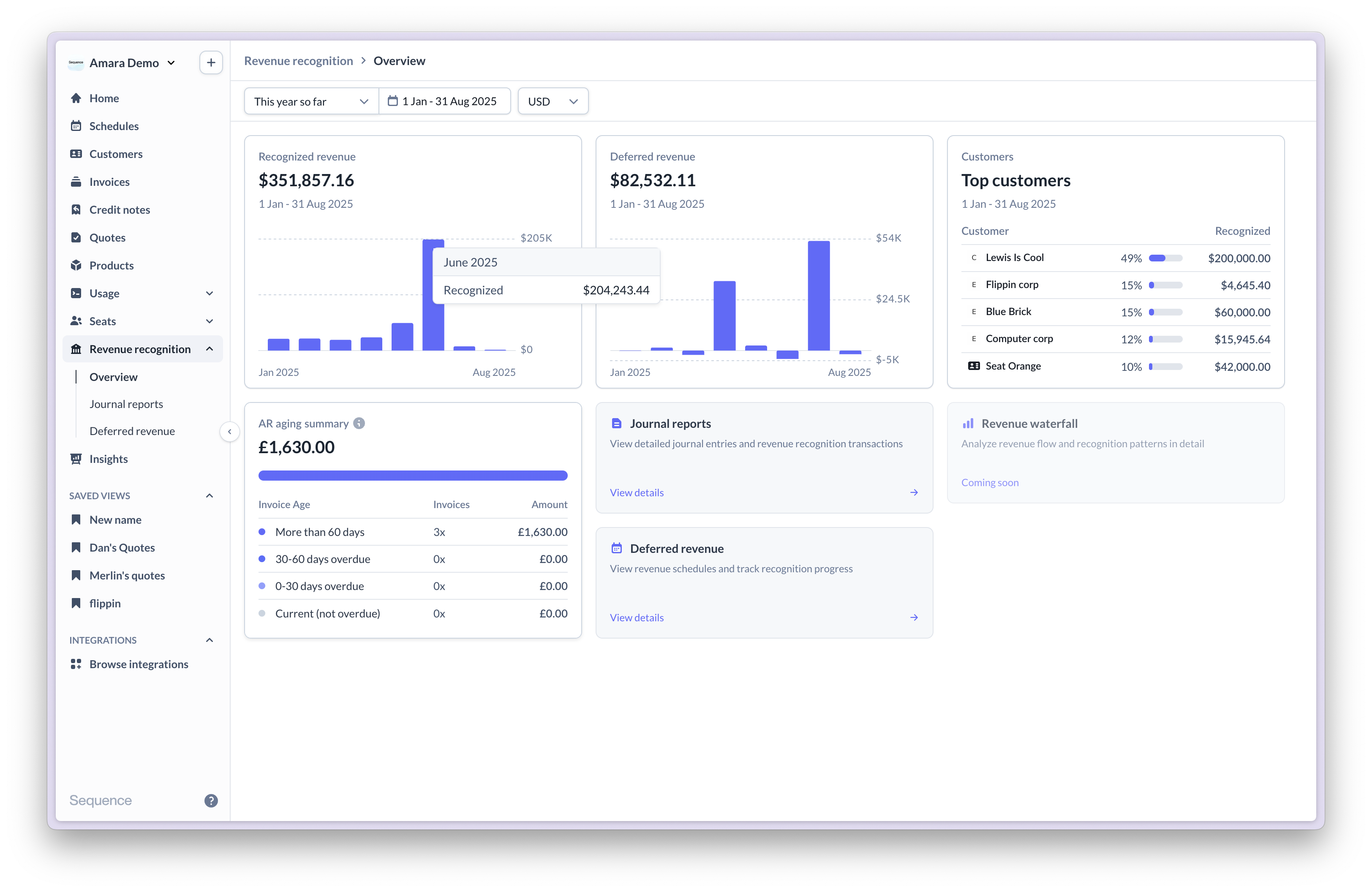
Key concepts
In-advance and in-arrears billing Revenue recognition distinguishes between when customers are billed and when revenue is earned:- In-advance billing: customers are charged upfront and revenue is recognized over time as services are delivered (e.g., annual subscriptions paid upfront).
- In-arrears billing: services are delivered first and billed afterwards, with revenue recognized as services are delivered (e.g., monthly usage-based billing).
- Straight-line: Revenue divided evenly across the service period (most common).
- Usage-based: Revenue recognized based on actual usage each period.
- Point-in-time: Full amount recognized on a specific date (e.g., implementation fees).
- Milestone: Revenue recognized only when milestones are marked as complete.
- Billed Revenue: Amounts invoiced to customers.
- Recognized Revenue: Revenue earned through service delivery.
- Deferred Revenue: Invoiced amounts not yet earned (for advance billing).
- Unbilled Revenue: Earned revenue not yet invoiced (for arrears billing).
Frequently asked questions
Which recognition method should I use for each contract type?
Which recognition method should I use for each contract type?
- Straight-line: subscriptions and fixed-fee services delivered evenly over time.
- Usage-based: API usage, data processing, consumption billing.
- Point-in-time: setup fees, implementation services, one-off deliverables.
- Milestone: project work with specific deliverables tied to acceptance.
How are product-level discounts handled in journals?
How are product-level discounts handled in journals?
Product-level discounts are netted against the product’s price within the same journal entry. A $1,200 subscription with a $120 discount generates one journal for the net $1,080.
How are invoice-level discounts allocated across line items?
How are invoice-level discounts allocated across line items?
Invoice-level discounts are allocated across line items in proportion to each line’s list price. Each line then recognizes its net amount on its own schedule.
Can I lock a closed accounting period?
Can I lock a closed accounting period?
Yes. Account period locking prevents new journals from posting into a closed month. Use each invoice’s accounting date as its lock floor, or set a single custom lock date for the whole account. Invoices and credit notes can still be issued for locked periods; they post their revenue against the next open period. See Settings.
How do credit grants affect recognized revenue?
How do credit grants affect recognized revenue?
A credit grant represents revenue that has already been recognized at the point the grant was booked. When the grant is consumed against a subsequent invoice, the recognized revenue for that invoice is reduced by the consumed amount so revenue is not recognized twice. See Credit grants.